Stop Tracking Your Subscriptions in a Spreadsheet
A spreadsheet seems like the sensible choice for tracking subscriptions. It is free, flexible, and familiar. Here is why it keeps failing — and what to use instead.
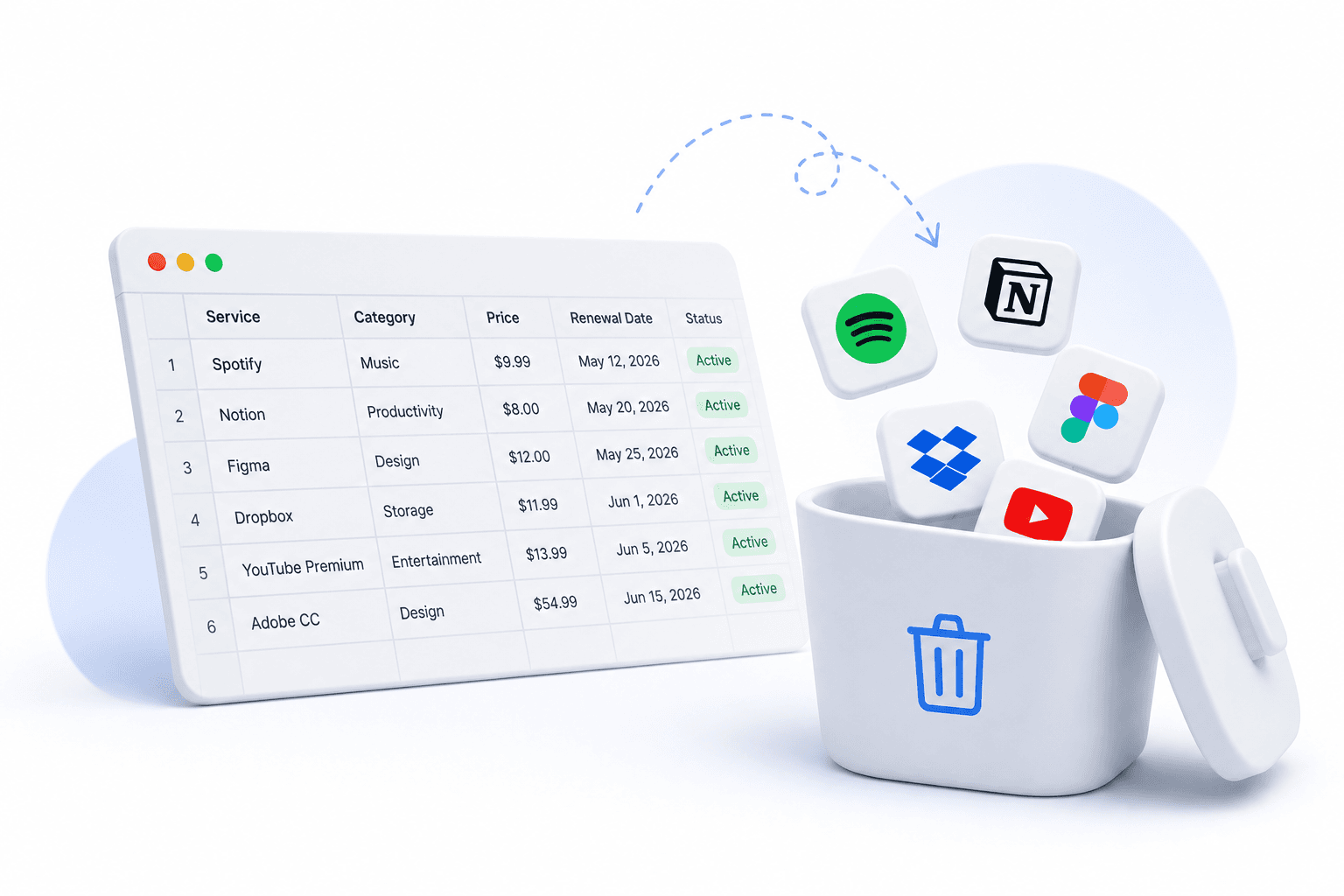
The spreadsheet is usually the first thing people try when they want to track subscriptions. Open a Google Sheet, add columns for name, amount, and renewal date, and you are done.
Then you forget to update it. The dates drift. You add a new subscription and skip the formula. Three months later you have been charged for something you meant to cancel. The spreadsheet did not fail — it never had the right job.
Why spreadsheets fail for subscription tracking
Four reasons spreadsheets break down for this specific use case:
- They do not remind you of anything — a spreadsheet is passive, it holds information but never alerts you
- Annual subscriptions are invisible for 11 months — you add it once and it never surfaces again until the charge hits
- Formulas break — one wrong edit and totals go wrong without you noticing
- They require constant upkeep — every new subscription means updating the sheet, the formula, and the sort order
What you actually need
Effective subscription tracking needs three things a spreadsheet cannot provide:
- Reminders before renewals — not just a record of them
- An automatic total that does not depend on maintaining formulas
- A view of what is coming up in the next 30 days that updates itself
Spreadsheet vs SubChecks side by side
Here is how the two compare on the parts that actually matter:
- Next renewal date: auto-calculated in SubChecks, manual formula in a spreadsheet
- Monthly total: instant dashboard in SubChecks, breaks when someone edits a cell
- Upcoming renewals: calendar view in SubChecks, manual sort in a spreadsheet
- Renewal reminders: email and in-app in SubChecks, does not exist in a spreadsheet
- Annual subscription surfacing: automatic in SubChecks, invisible in a spreadsheet
When a spreadsheet is actually fine
There are two cases where a spreadsheet is the right choice:
- You have fewer than 3 subscriptions and they are all monthly — at that scale reminders barely matter
- You are already tracking all expenses in a sheet for tax purposes and just want subscriptions listed in the same place
The switch takes 10 minutes
If you already have a spreadsheet of your subscriptions, moving to SubChecks is straightforward. Add each one, it calculates the next renewal date automatically, and the calendar and dashboard update from there.
You keep the visibility you had in the spreadsheet. You gain reminders, trend charts, and a total that never breaks.
Free to start. No credit card required.
Start tracking your subscriptions today
SubChecks is free to start. Add your subscriptions, get reminders before renewals, and see exactly what you spend.
Get started free →