How to Track All Your Subscriptions in One Place
A simple step-by-step guide to getting every subscription you pay for under control - before they get out of hand.
Most people have no idea how many subscriptions they're paying for. A streaming service here, a cloud storage plan there, a tool you signed up for six months ago and never used again. It adds up fast - and because each charge is small on its own, it's easy to miss.
The good news is that getting everything under control takes less than 30 minutes. Here's how.
Step 1: Pull up your bank and card statements
Go back at least 3 months. Look for anything recurring - monthly or annual. Don't filter by amount; some of the sneakiest charges are under $5.
Write down every subscription you find: name, amount, and how often it charges you.
Step 2: Check your email for receipts
Search your inbox for words like 'receipt', 'invoice', 'subscription', and 'renewal'. You'll often find services you forgot about entirely - especially annual ones that only charge once a year.
Step 3: Categorise what you have
Split your list into two columns: things you actively use, and things you haven't touched in 30+ days. Be honest. If you haven't used it, cancel it.
- Streaming: Netflix, Spotify, YouTube Premium
- Tools: Notion, Figma, Adobe, GitHub
- Storage: iCloud, Google One, Dropbox
- Fitness, news, games, and everything else
Step 4: Add everything to a tracker
A spreadsheet works but breaks down fast - it won't remind you before a renewal, it won't show you trends, and you'll stop updating it within a week.
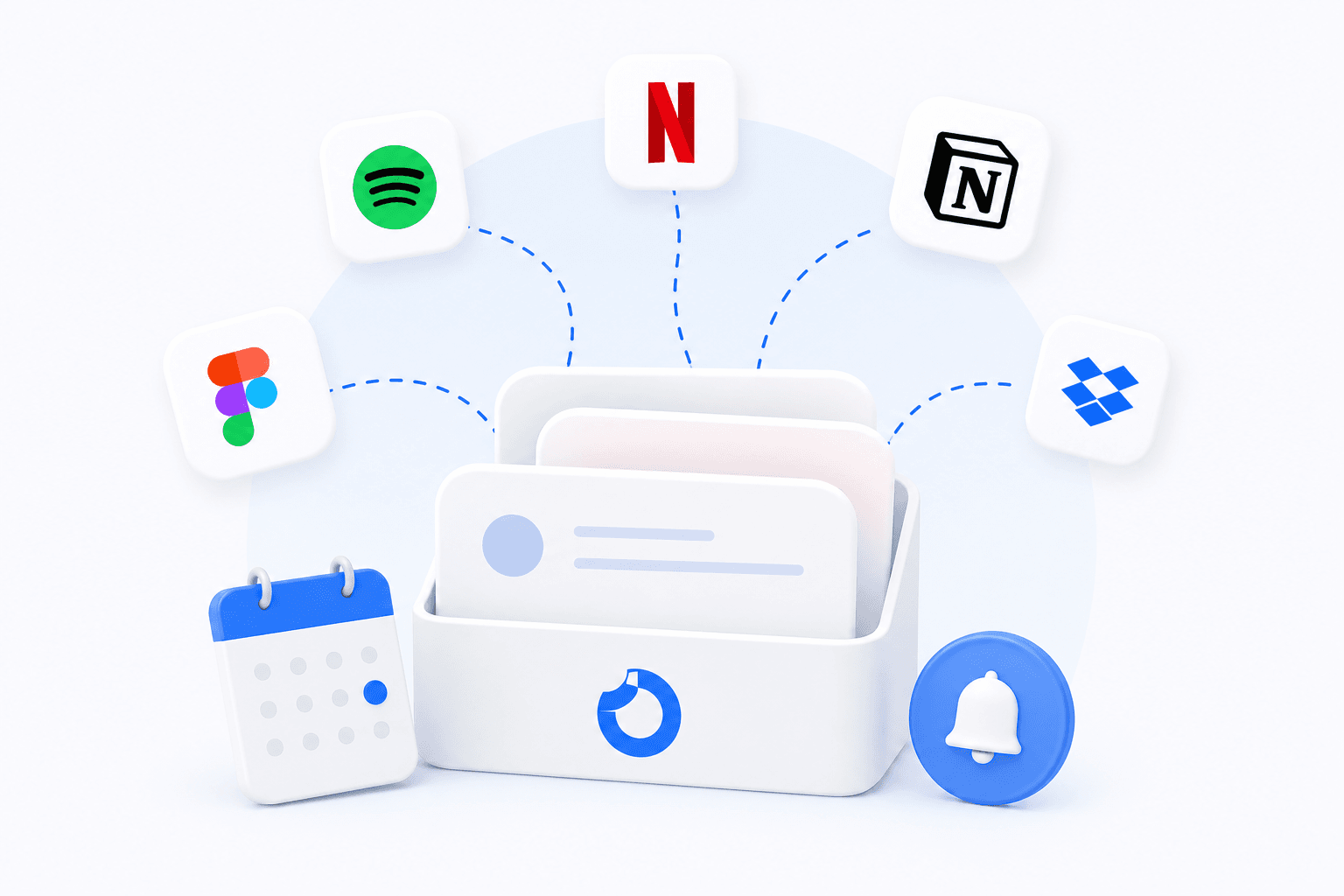
A dedicated tracker like SubChecks keeps everything in one dashboard, sends you reminders before each renewal, and shows you a calendar of what's coming up. You add it once and it does the rest.
Step 5: Set renewal reminders
This is the step most people skip, and it's the most important one. A reminder 3-7 days before a renewal gives you time to cancel if you no longer want the service - instead of noticing the charge after the fact.
Once you have reminders in place, you're no longer reactive. You're in control.
Step 6: Review every month
Set a 10-minute calendar block once a month to check your tracker. Look at what renewed, what's coming up, and whether you're still using everything you're paying for.
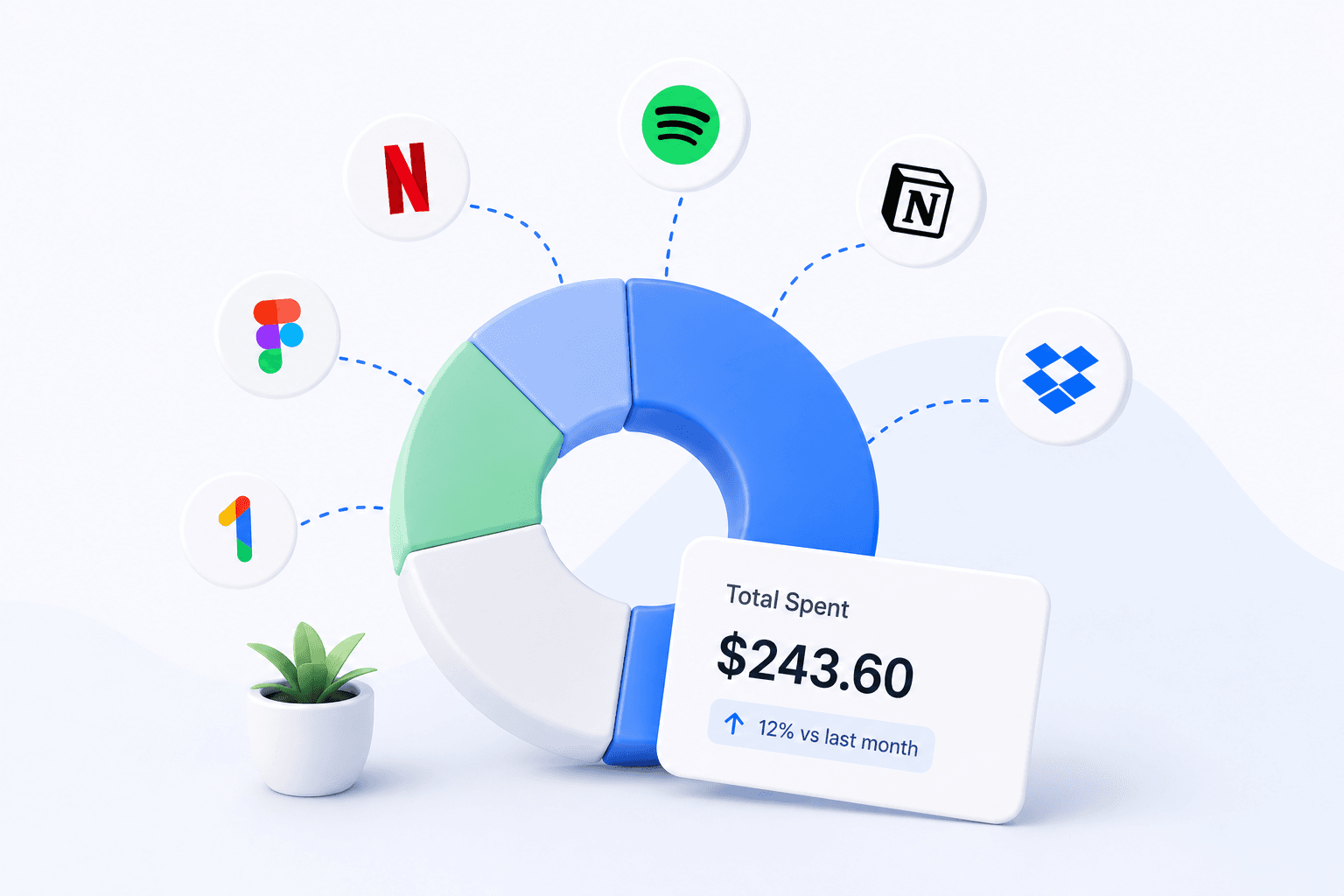
Most people find they can cut 20-30% of their subscription spend in the first month of doing this.
Start tracking your subscriptions today
SubChecks is free to start. Add your subscriptions, get reminders before renewals, and see exactly what you spend.
Get started free →