Best Subscription Tracker for Freelancers in 2026
Freelancers pay for more tools than almost anyone else. Here are the best apps for tracking them in 2026 — with project grouping, renewal reminders, and export for tax time.
Freelancers accumulate subscriptions faster than almost anyone else. Design tools, project management apps, communication platforms, cloud storage, AI tools, invoicing software, hosting, email marketing, video calls. Each one feels justified at the time. Together they quietly take a significant chunk of your income every month.
Why freelancers need a subscription tracker more than most
Four reasons freelancers in particular benefit from a dedicated tracker:
- Tool variety: freelancers often use more software categories than employees who work in one company stack
- Annual plan traps: annual tools renew when you least expect them, especially quiet months
- Tax relevance: work-related subscriptions are often deductible business expenses — tracking them makes tax time significantly easier
- No finance team: when you are self-employed, you are the one who has to notice the charges
1. SubChecks — best for freelancers
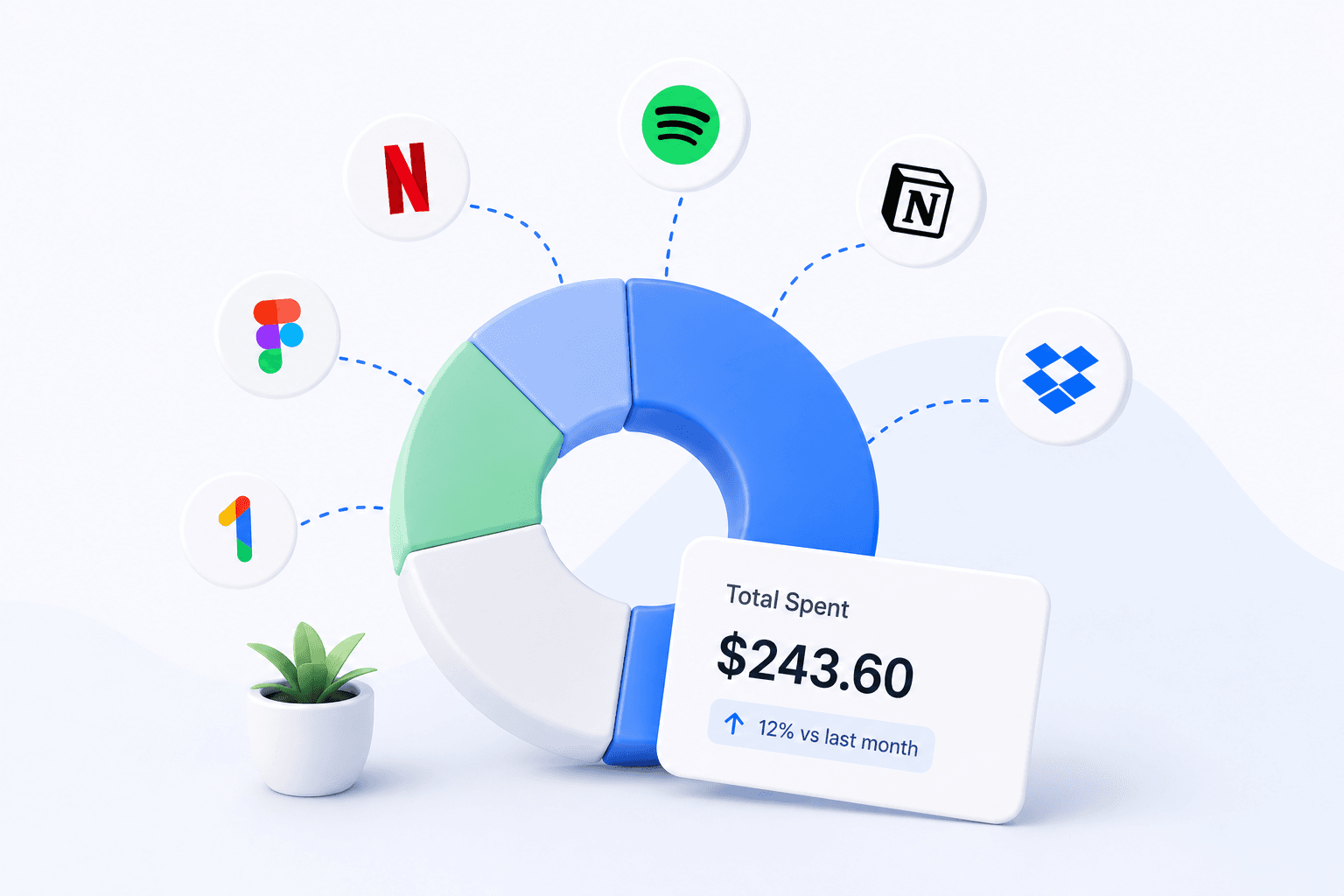
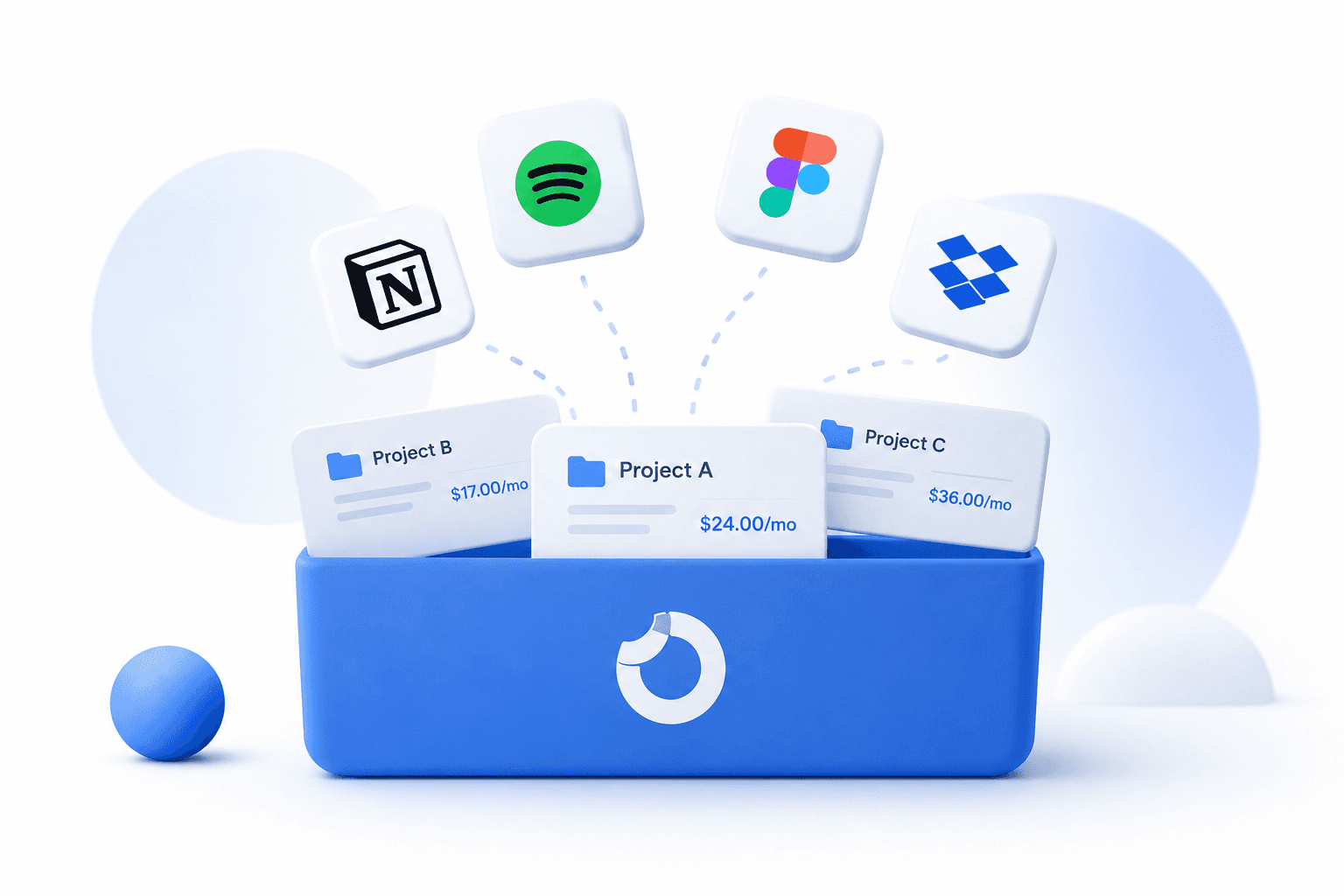
SubChecks lets you group subscriptions by project, making it easy to separate business tools from personal subscriptions and see what each area costs. The analytics page breaks down spend by category so you can see at a glance what you spend on design tools, productivity, communications, and AI.
Email reminders before renewals mean no more surprise charges on your business card. The Pro plan includes CSV export which is useful at tax time for showing software costs to an accountant.
Free to start. Pro is $29 once.
2. Rocket Money — if you want automatic detection
Rocket Money connects to your bank or business card and auto-detects subscriptions. If you have a card dedicated to business expenses, it can scan it and remove most of the manual entry. The trade-off is bank access and a monthly fee of $3 to $12.
3. A spreadsheet for tax tracking
Many freelancers track subscriptions in the same spreadsheet they use for expenses and income. It works alongside a dedicated subscription tracker. The main gap remains: no reminders before renewals.
Practical tips for freelancers
Three habits that pay off:
- Use a dedicated business card for work subscriptions — makes them easier to track and categorise for taxes
- Review subscriptions quarterly alongside invoices and income — easier to justify costs when you can see revenue alongside them
- Cancel tools between projects when possible — if a tool is only needed for active client work, pausing it during quiet months cuts costs without losing your account
The bottom line
The freelancer subscription bill is one of the sneakiest fixed costs in self-employment. A dedicated tracker with project grouping, renewal reminders, and export for tax time is more valuable for freelancers than almost any other type of user. SubChecks is built for exactly this.
Start tracking your subscriptions today
SubChecks is free to start. Add your subscriptions, get reminders before renewals, and see exactly what you spend.
Get started free →